

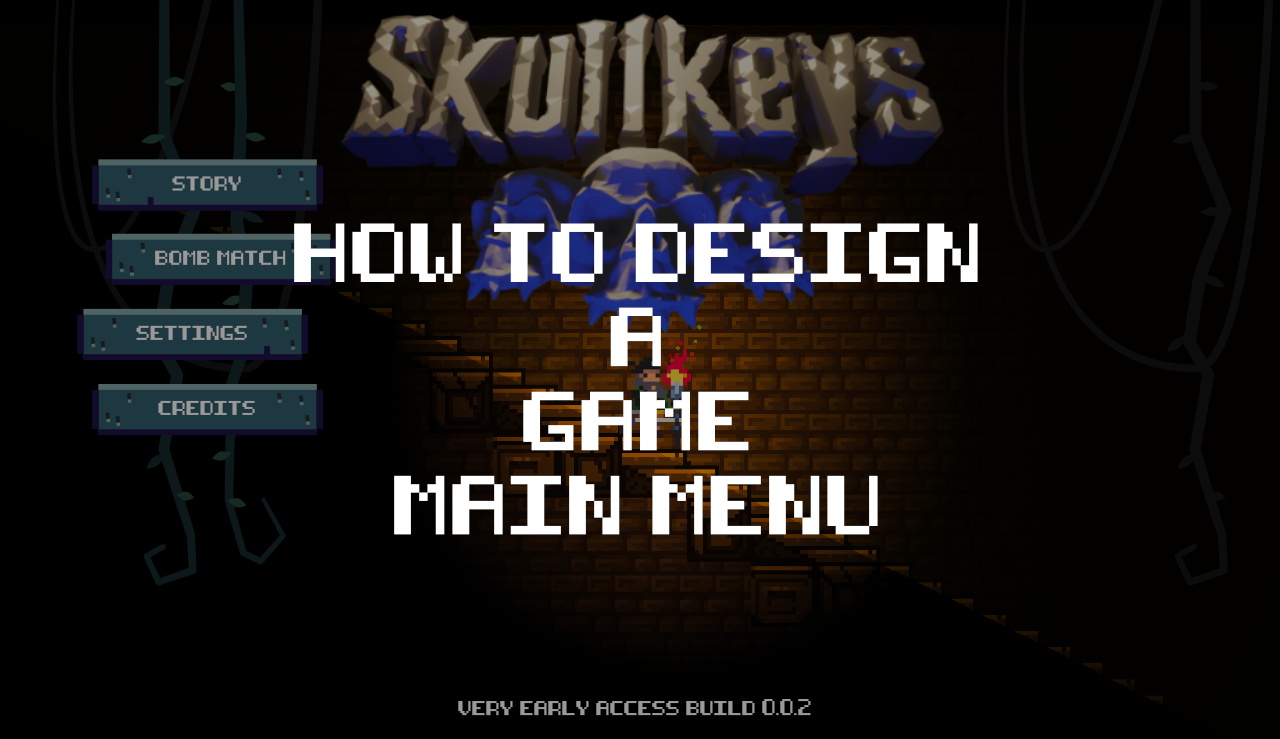
A gaming menu is often the first place where players interact with a platform’s features. It may provide access to settings, profiles, inventories, multiplayer options, purchases, and game modes. When these elements are organized clearly, users can find what they need without interrupting their experience. Poor menu design, by contrast, can create confusion and unnecessary frustration.
Organizing Information Around Player Needs
A useful menu groups related options together. Audio and display controls, for example, generally belong in settings, while saved items and character equipment can be placed in an inventory area.
The goal is to make the structure predictable. If players must open several unrelated screens to locate a common feature, the menu may be organized around the platform’s internal structure rather than the user’s needs. Designers can improve usability by studying common tasks and placing frequently used options where players naturally expect to find them.
Using Labels and Visual Hierarchy
Clear labels reduce the effort required to understand an option. Familiar terms are usually easier to recognize than creative names that provide little information about their purpose. Icons can support navigation, but important controls should not depend entirely on users guessing what a symbol means.
Visual hierarchy is equally important. Size, spacing, contrast, and placement can distinguish primary actions from secondary settings. When every button looks equally important, players may struggle to identify where to begin.
Consistent visual styling also helps users learn the interface. If similar controls behave and appear in similar ways across different screens, players can transfer what they have learned instead of starting from scratch.
Designing for Different Devices
Gaming platforms are used on computers, consoles, tablets, and mobile phones. A menu that works well with a mouse may be awkward on a touchscreen, where buttons need sufficient space for accurate tapping. Console menus must also work smoothly with directional controls and gamepads.
Responsive layouts can adjust the arrangement of information to fit different screen sizes. Designers should also consider text readability, color contrast, keyboard navigation, and accessibility options. These details make menus more practical for a wider range of users.
Testing Menus With Real Players
Design teams should observe people using menus to complete ordinary tasks, such as changing audio settings or joining a multiplayer session. These tests can reveal confusing labels, hidden controls, and unnecessary steps that designers might overlook.
Analytics can help identify where users repeatedly backtrack or abandon a process, but direct feedback provides important context about why those problems occur.
Making Navigation Feel Natural
Effective gaming menus do not need elaborate animations or complicated visual effects. They need a clear structure, consistent behavior, and understandable feedback. When players can locate options quickly and predict what will happen after selecting them, the interface supports the game rather than becoming an obstacle.
[…] Multiplayer games face an additional challenge because players’ devices and the server must ma… Differences in connection quality can cause visible corrections, delayed updates, or characters appearing to move unevenly. […]